Use AI to quickly create TikTok ad creative generator
Generate TikTok ad creative around product selling points. Scale from one idea to multiple versions for different channels, formats and audiences.
Start creating
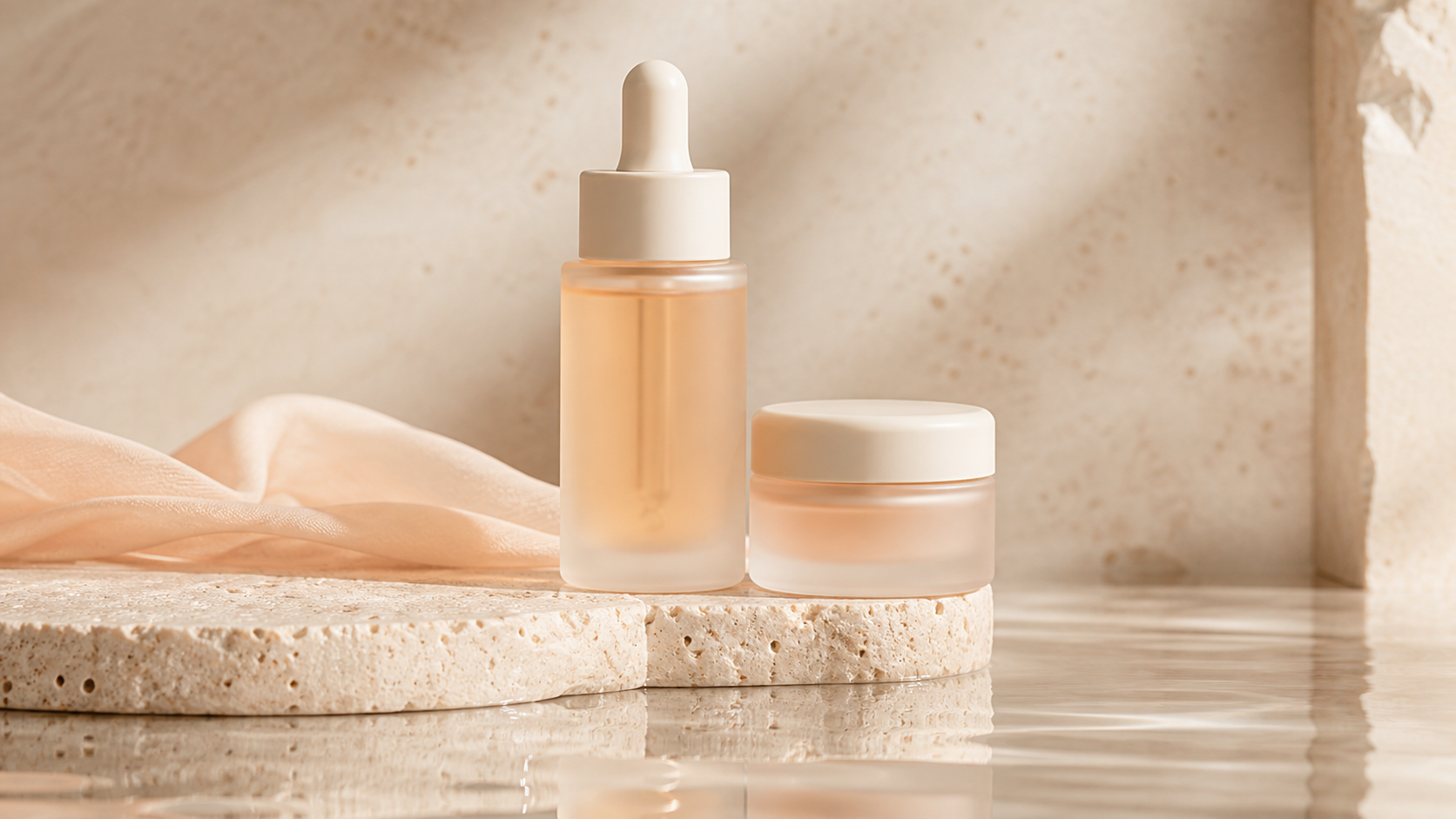
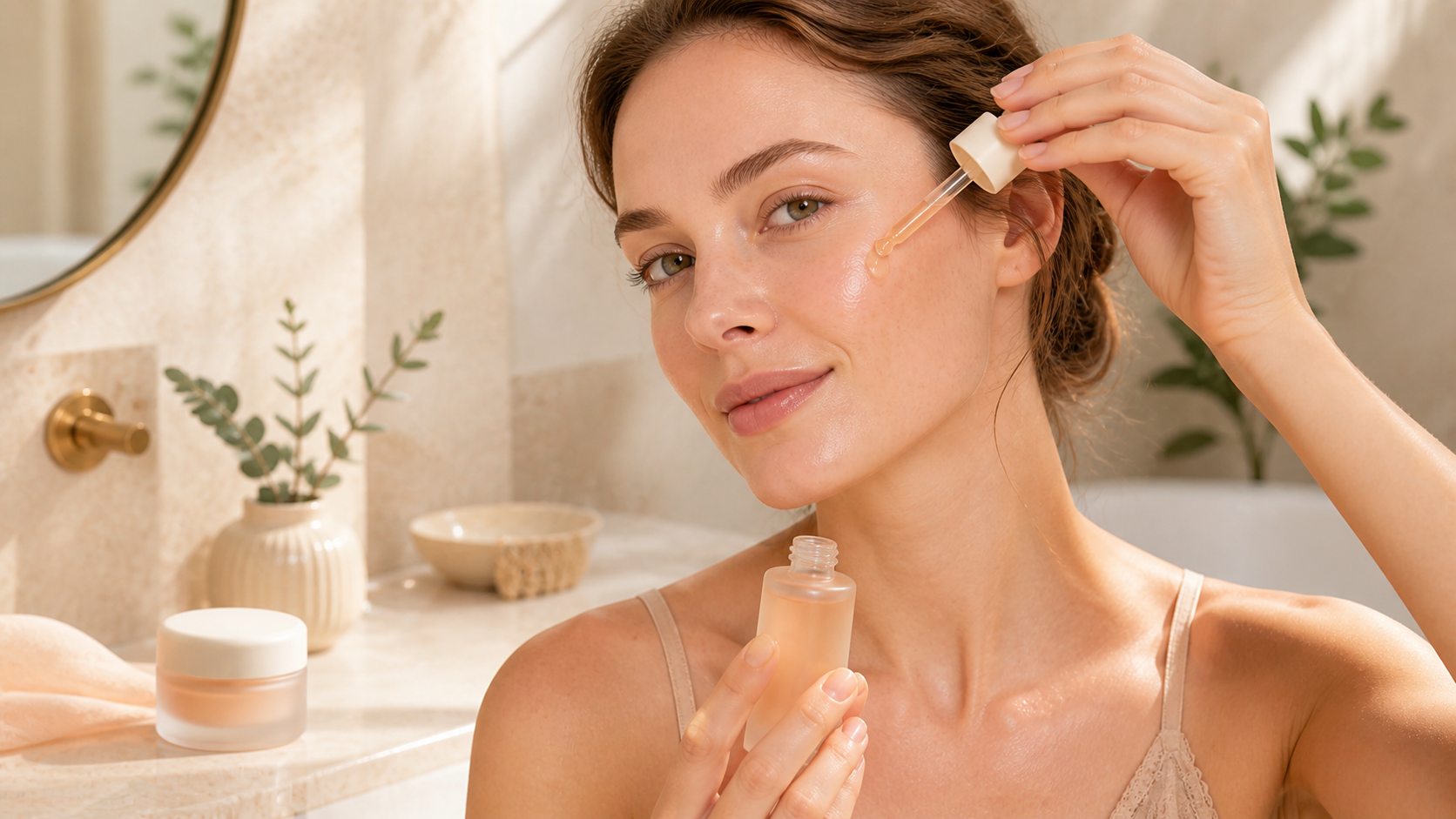
From original materials to publishable TikTok creative generator
Unify the main body, brand vision and core selling points, and then gradually generate different openings, scenes and channel versions.
- Complete the first batch of creative ideas faster
- Keep characters or products consistent
- Adapt to multiple channel formats
- Continue to optimize in the same workflow
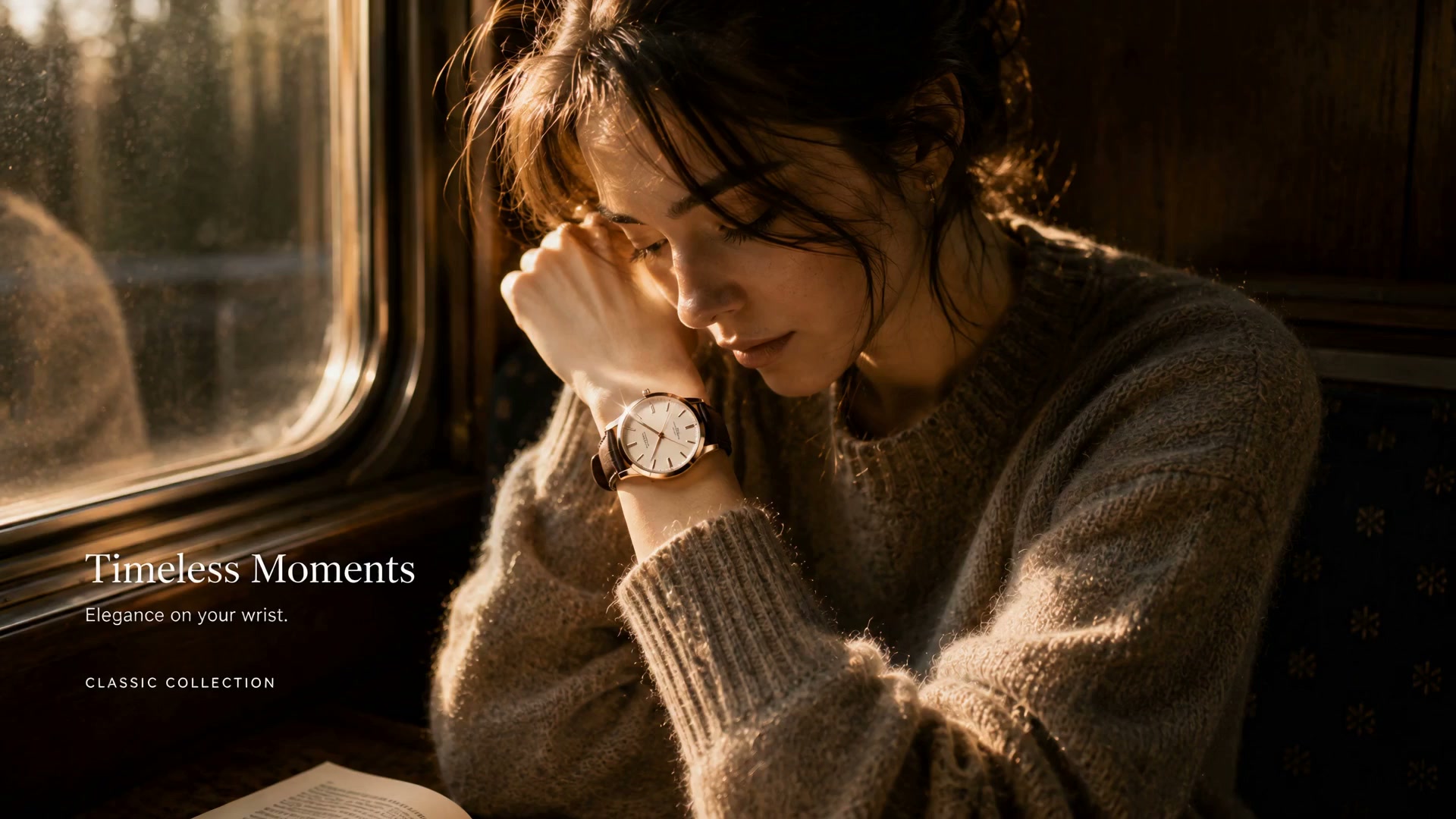
Produce the first batch of advertising versions faster
Start from existing text, pictures or video materials, and complete the first batch of reviewable content first.
- The theme is clear
- The movement is coherent
- The frame is adapted
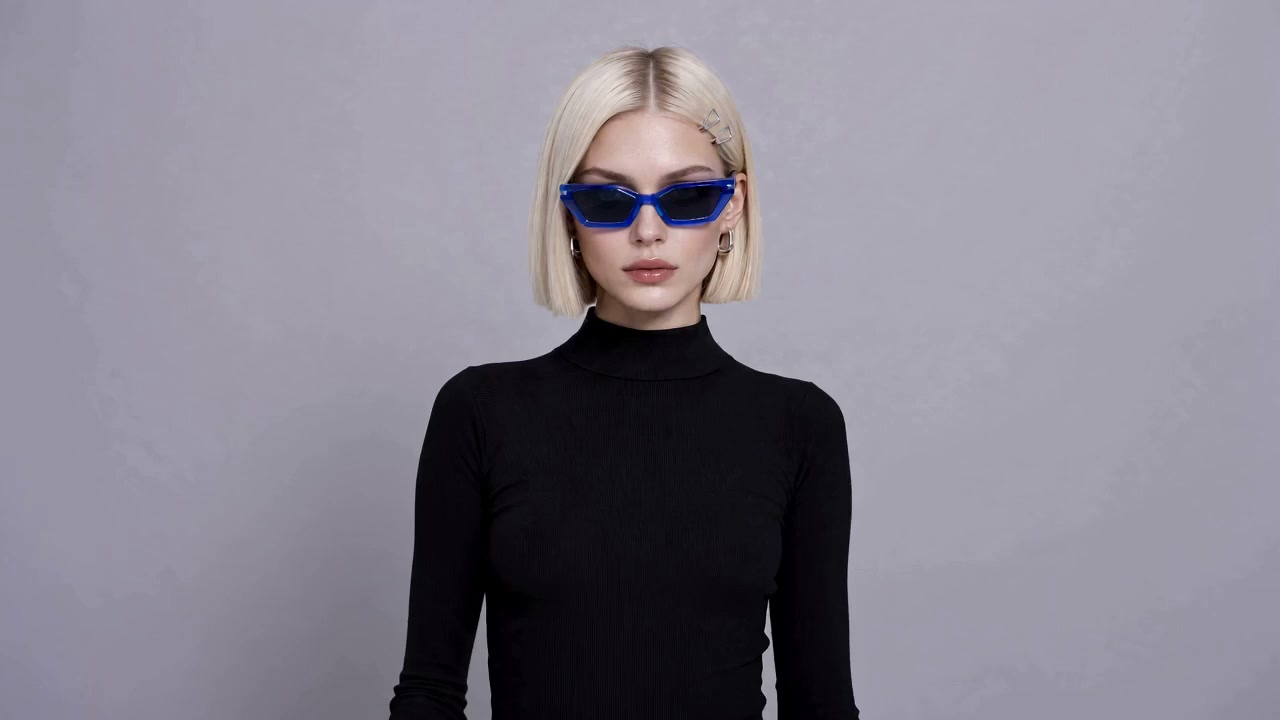
Organize a clear narrative around the selling point
Arrange the pain points, solutions, proofs and calls to action into coherent shots.
- The theme is clear
- The movement is coherent
- The frame is adapted
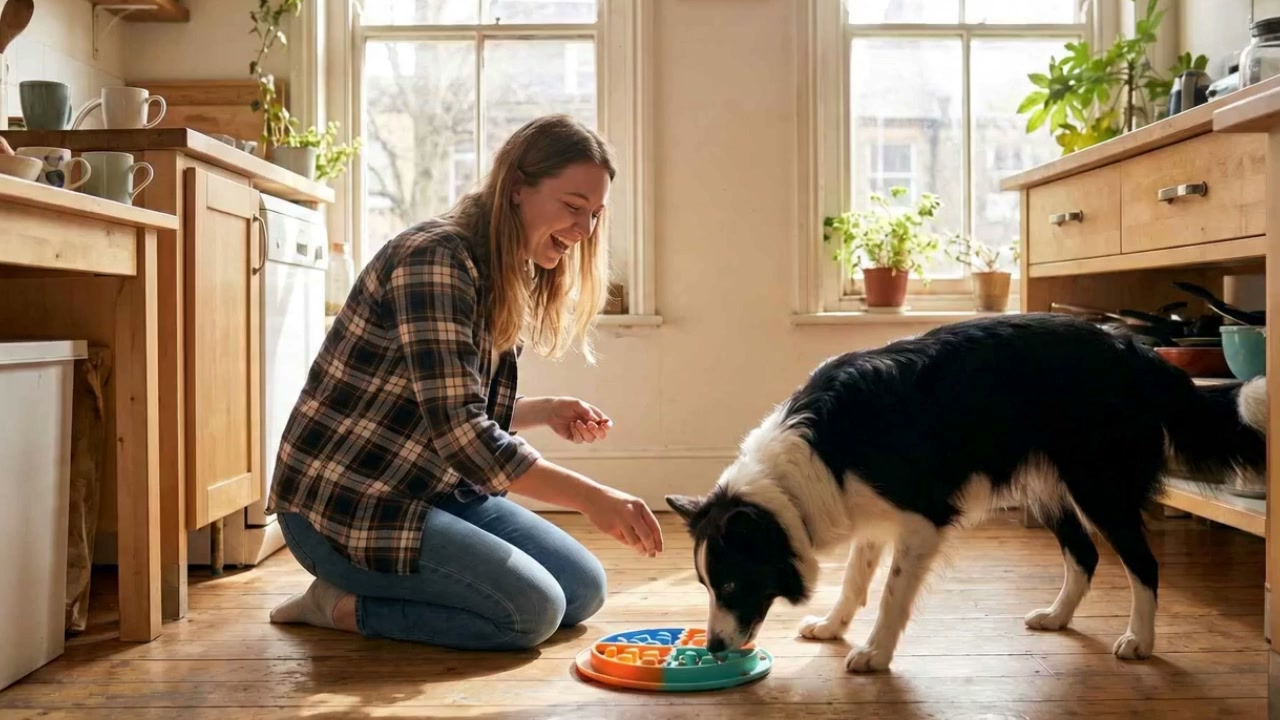
Continue to expand for different channels
Keep the core visual consistent while adjusting the opening, duration, frame and rhythm.
- The theme is clear
- The movement is coherent
- The frame is adapted
Marketing scenarios suitable for TikTok creative generator
Quickly create channel versions
Adjust the opening, rhythm and frame around the target platform.
Show features and results
Use a coherent lens to explain how the product, service or scenario works.
Create natural spoken word and experiential content
Maintain an authentic tone, clear selling points, and a single call to action.
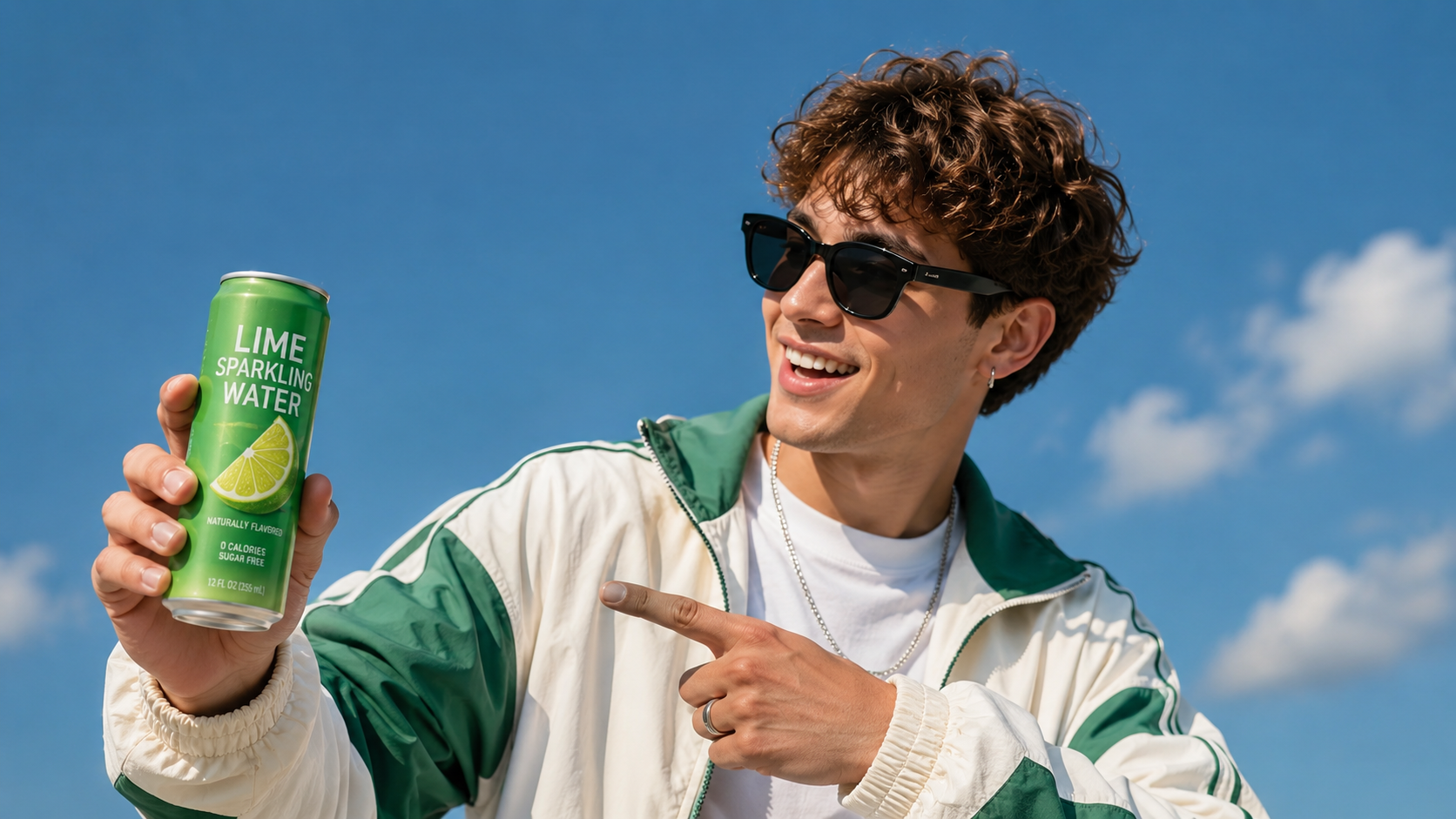
Cover release and event nodes
Prepare multiple material versions for releases, promotions, events and brand communication.
Choose an AI model that suits your current creativity.
You can select a model based on the input material, picture style, action complexity and output requirements, and the actual results will prevail.
TikTok Creative Generator FAQ
What is TikTok Creative Generator?
TikTok Creative Generator is used to generate TikTok ad creatives around product selling points. In ReelFlow, materials can be added from the corresponding model or tool entrance and the results can be generated.
What assets do I need to prepare beforehand?
Add text, images, or existing assets. Ensure the subject is clear and the composition stable; prepare concise descriptions of your goals, aspect ratio, and style requirements.
How can I get more consistent results?
Focus on one primary objective at a time—clearly defining the subject, scene, action, or scope—and check the video for identity, structure, text, and edge details.
Can I create multiple versions in batches?
Yes. Fix the subject, brand visuals, and core selling points first, then adjust the opening, scene, aspect ratio, or pacing to compare different versions.
Which channels are suitable for publishing?
Can generate horizontal, square or vertical versions according to target channels. Please check duration, frame size, safe area and file specifications before publishing.
What information should the prompt word contain?
Describe clearly the subject, environment, action, lens, light, rhythm and frame. Product or character content should also identify characteristics that need to be consistent.
How to set a clearer call to action?
Let the button copy express only one action, and point the jump link to the ReelFlow tool or model page that best matches the page theme.
Can generated content be used in commercial projects?
Can be used for projects that comply with the platform terms and applicable laws. Please confirm that the necessary authorizations have been obtained for materials, likenesses, branding elements and music before publishing.
Explore more creative methods related to TikTok Creative Generator
Turn creative ideas into testable ad versionsStart making TikTok Creative Generator
Add materials and clarify channels, audiences and calls to action, continue to check and optimize after generating the first batch of versions.
Start now