
Motion imitation
Loading templates...Create with Motion imitation
Upload a person image and a motion video to generate a new performance.
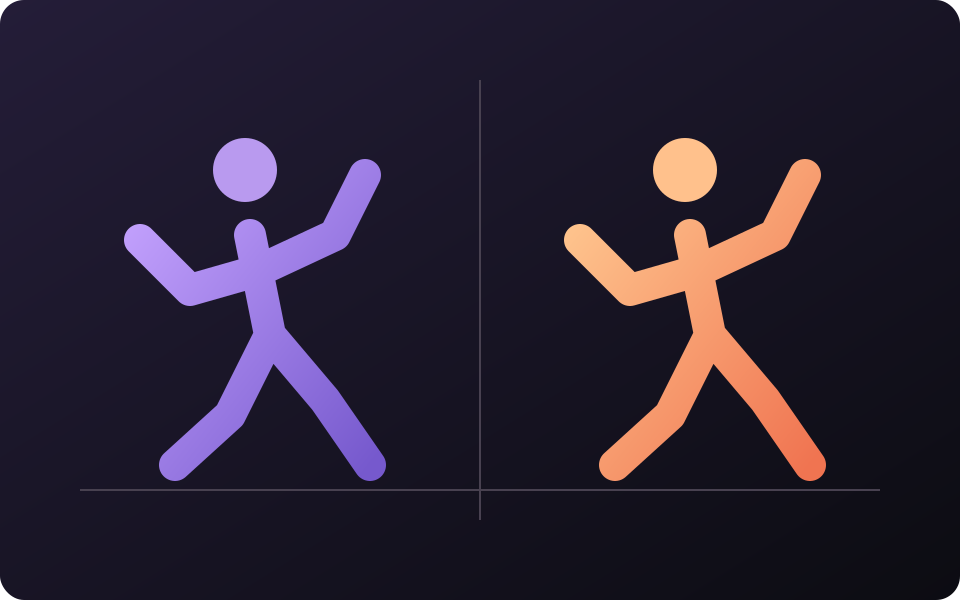
Simple source input
Start from a focused prompt, reference image, or product asset that defines the creative goal.
Useful creative controls
Direct style, composition, motion, language, and format with controls suited to generated content.
Output workflow
Produce an original visual asset ready for campaigns, concepts, social content, or iteration.
Three steps from source to result
Step 1
Upload a person image and a motion video to generate a new performance.
Step 2
Upload a person image and a motion video to generate a new performance.
Step 3
Preview the full clip, check motion, edges, text, and subject consistency, then download it or revise the settings.
Frequently asked questions
What should I upload or enter for Motion imitation?
Upload a person image and a motion video to generate a new performance.
What happens after I start Motion imitation?
Upload a person image and a motion video to generate a new performance. Choose the available settings, generate a result, and inspect it before downloading or publishing.
What should I check before using the result?
Generated layouts, anatomy, logos, and written text may be inaccurate. Treat the result as a draft until those details are checked.
How is Motion imitation different from related tools?
Upload a person image and a motion video to generate a new performance. This workflow creates new visual content from a brief or reference instead of applying a fixed filter.
How is generation billed?
Generation may consume credits based on the selected model and settings. Available credits and trial benefits depend on your current plan and account.
Start creating with Motion imitation
Upload a person image and a motion video to generate a new performance.