
Melhorador de vídeo
A carregar modelos...Upscale video for better viewing on any screen
Refresh low-resolution footage with clearer details and cleaner frames. Enhance family memories, travel videos, gaming clips, product demos, and event footage with ReelFlow. Available output resolutions depend on the settings in the creation tool.
Keep valuable footage usable for longer
Revive low-resolution clips for archives, story videos, and personal projects. Preserve important moments and prepare existing footage for future viewing, editing, sharing, or creative reuse.

Enhance your favorite anime videos
Improve low-resolution product videos, campaign clips, and demos. Reuse available scenes without reshooting to shorten production time, reduce filming costs, and keep projects moving.

Reduce noise and blur
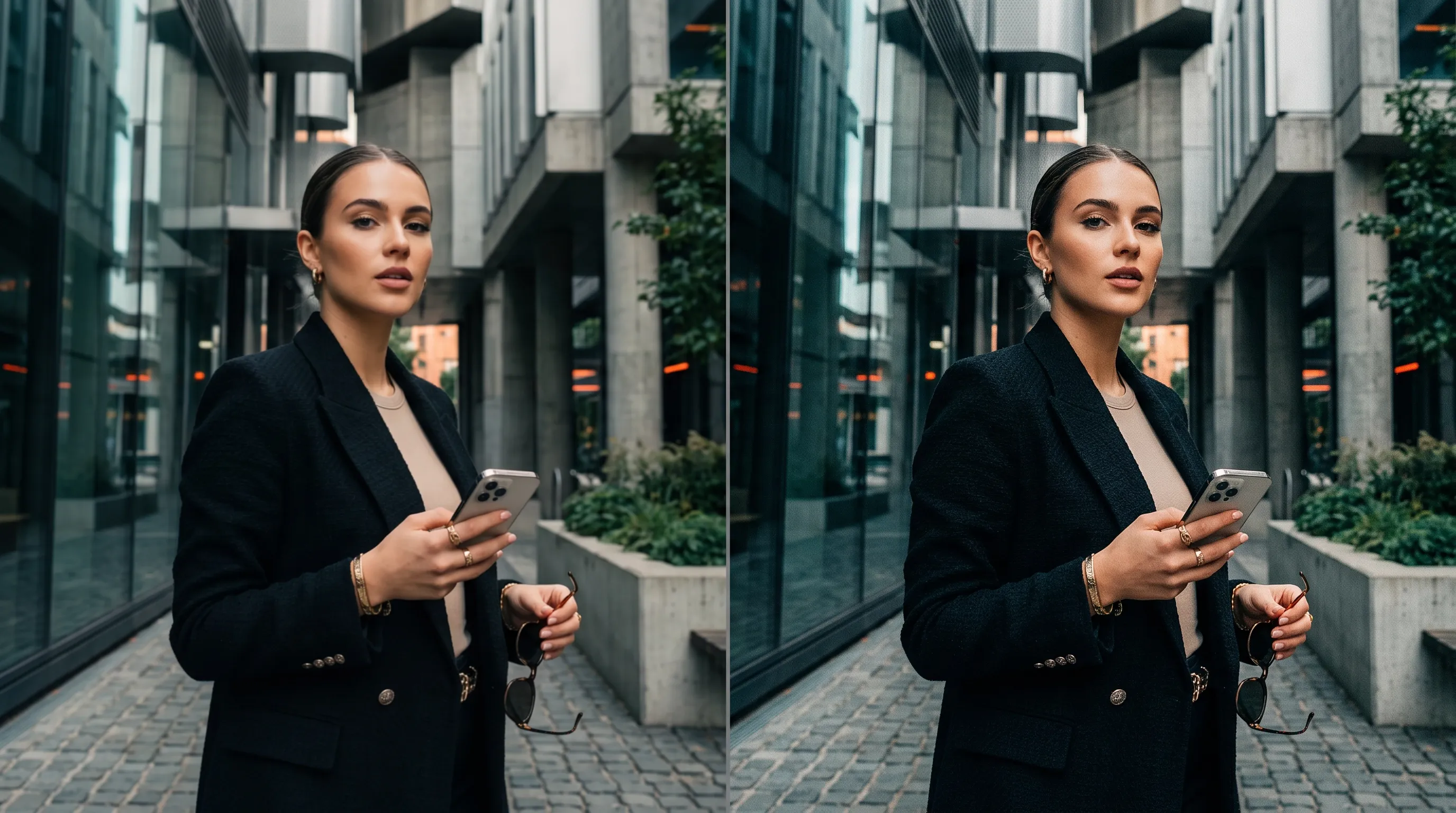
Recover finer textures, sharper edges, and clearer scene details instead of simply stretching pixels. Make explainer videos easier to follow so viewers can understand key information and focus on what matters.
How to upscale videos with ReelFlow?
Step 1
Upload the video you want to enhance and upscale.
Step 2
Choose the available resolution and mode that suit your footage.
Step 3
Create the enhanced video, review the result, then download it.
FAQs about ReelFlow AI Video Upscaler
What is an AI video upscaler?
AI video upscaling improves video resolution and clarity so footage looks sharper and more detailed. Results depend on the quality of your source video and the available model.
What should I look for in an AI video upscaler?
Look for clear results, preserved details, supported file formats, and a straightforward workflow. Check the available output settings and billing before starting.
Can ReelFlow improve video quality?
ReelFlow offers video enhancement for supported files. Upload your source and review the available settings before creating the enhanced video.
Can I upscale a video to 4K?
Output resolution depends on the selected model and its available settings. The actual output options shown in the creation tool apply.
Is ReelFlow video upscaling free?
Generation may consume credits. Required credits and any trial benefits depend on the selected tool, your plan, and your account.
Try ReelFlow AI Video Upscaler today
Give existing videos clearer details and a more polished look, ready for your next creative project or share.